Get some  from our team to warm you up in this cold and rainy November.
 Gallery View
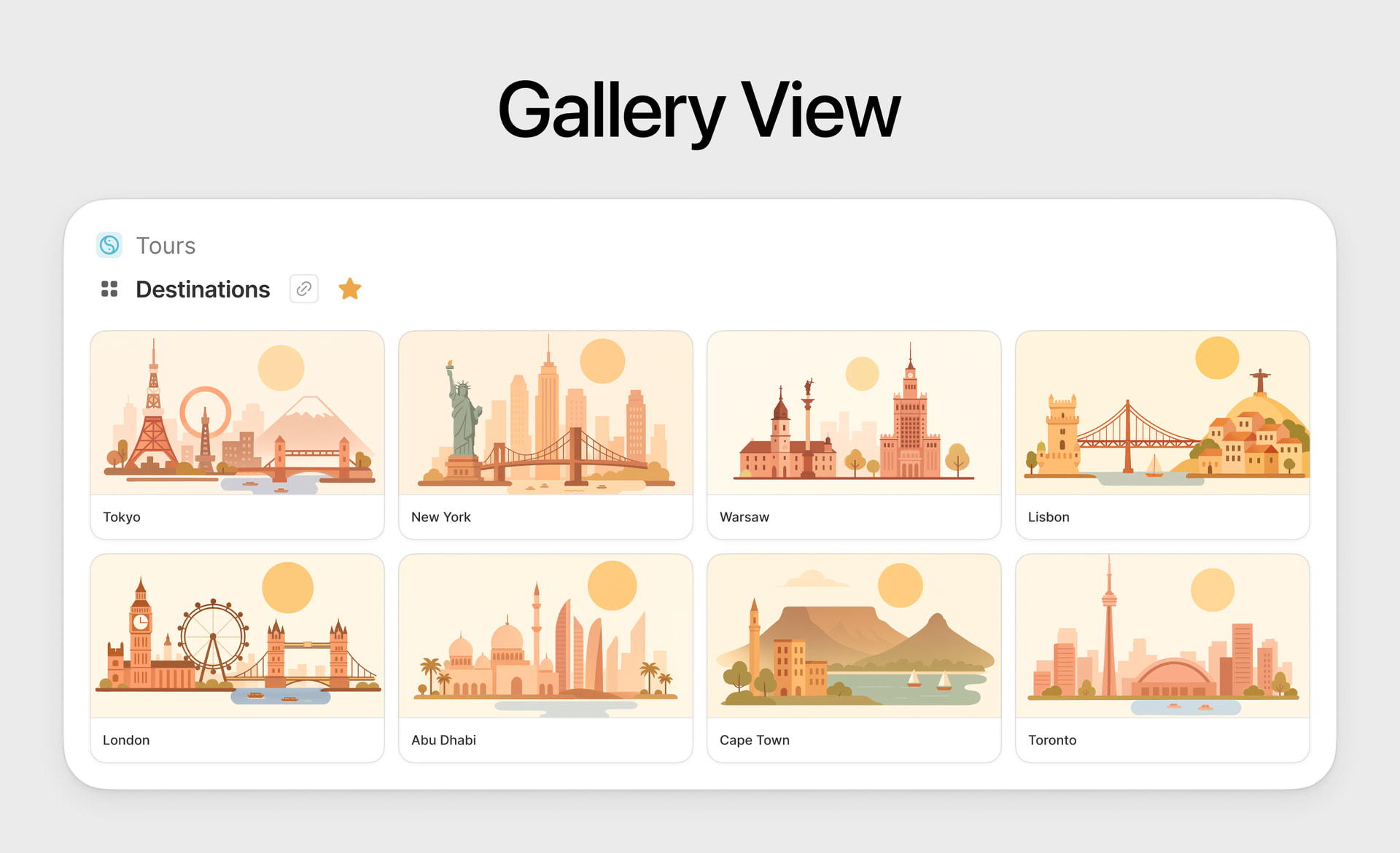
Long-awaited Gallery View is live today  ! Now you can better visualize entities with media files, like Employees, Books, Inventory, Products and create team directories, mood boards, company libraries, product catalogs, inventories boards.
Gallery View can show several databases at once, it supports files upload, drag and drop, batch actions, filters, sorting and color coding.
You can group cards by horizontal lanes, set different card sizes and toggle fill cover setting for better look.
Try it in the wild and let us know if you miss anything. Also it would be cool to see your galleries, do not hesitate to share them!
 Open and preview files
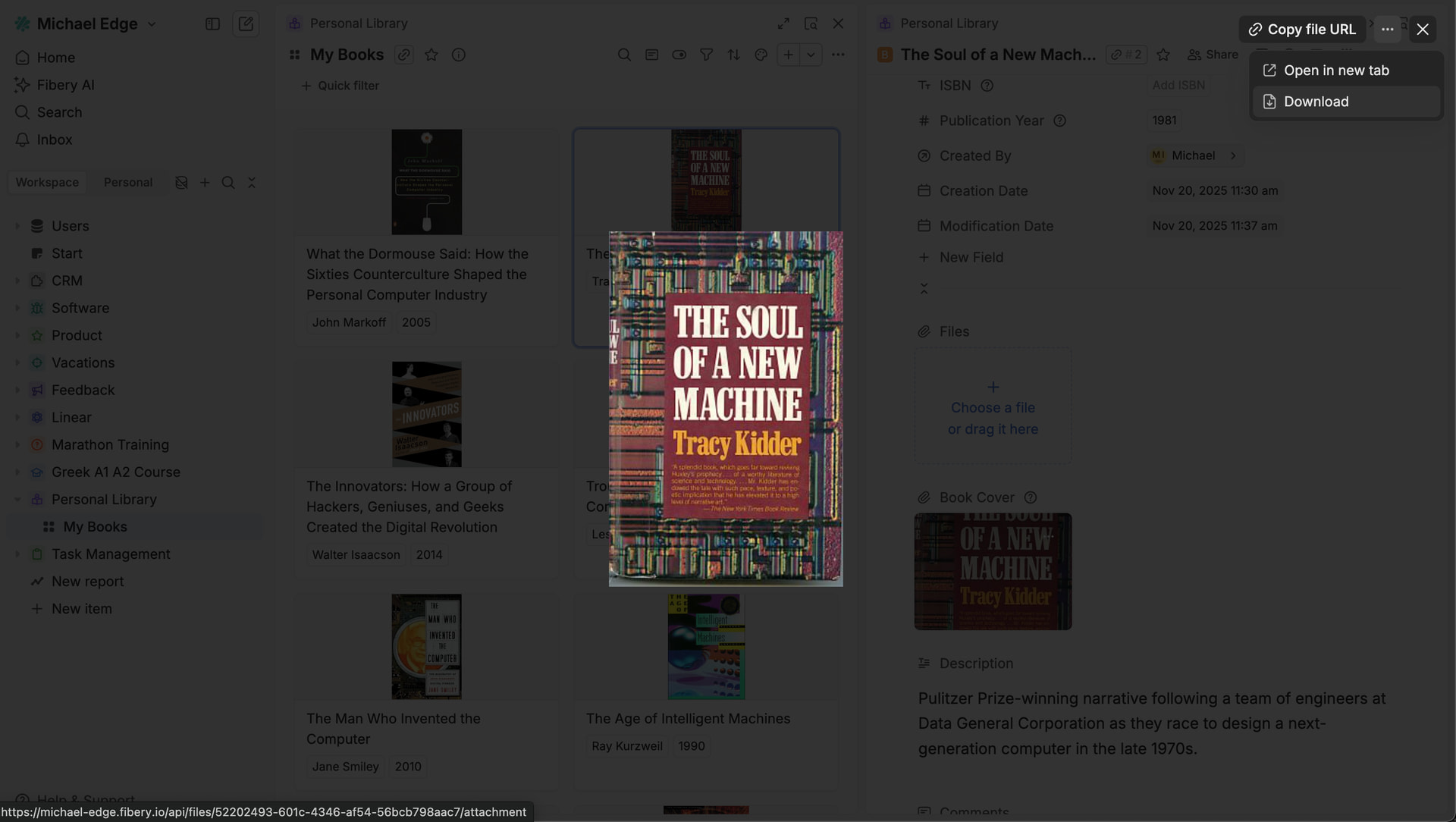
No more unexpected files downloads and new tabs! Now you can open and preview some files in a light-box without downloading them (images, mp4 videos, PDF, text and photoshop files). Thumbnails for uploaded files are also generated where possible (including PDF and video).
We’ve also added Copy files URL action to … menu for a file. Now we are working on a new Files unit that will look better and be more customizable. Stay tuned!
 Fibery AI: Build v2.0
Where to start… We released Fibery AI: Build mode a few months ago and relatively many people used it to build workspaces, handle data, create views, etc. However, there were many problems with it, including slowness, nasty errors that can break workspace, and lack of scalability.
We decided to re-write it from scratch and implement multi-agents architecture. Today we’re releasing this new fresh and shiny version. Here are the main differences that you will notice:
- It works 2-3x times faster
- It makes no stupid mistakes
List of sub-agents that can do (or not do) things:
- Query Agent: Query data from Fibery, including rich text fields content
- Schema Agent: Create and update spaces, databases, fields, formulas, relations
- Data Agent: create and modify entities
- View Agent: create and modify views
- Automation Agent: create and modify rules and buttons (not as polished as other agents so far)
- Guide Agent: Product guidance, best practices
Multi-agents approach provides scalability and we will add more sub-agents in near future (Report agent, Whiteboard agent, etc)
We also removed AI models selector, since under the hood different agents use different models and model selector does not make any sense now. Check this video with some progressive process of a new space creation.
Fibery AI: Build is still only accessible by Admins. Please try it and tell us how it works (or doesn’t work) on your use cases!
 New Report screen simplification
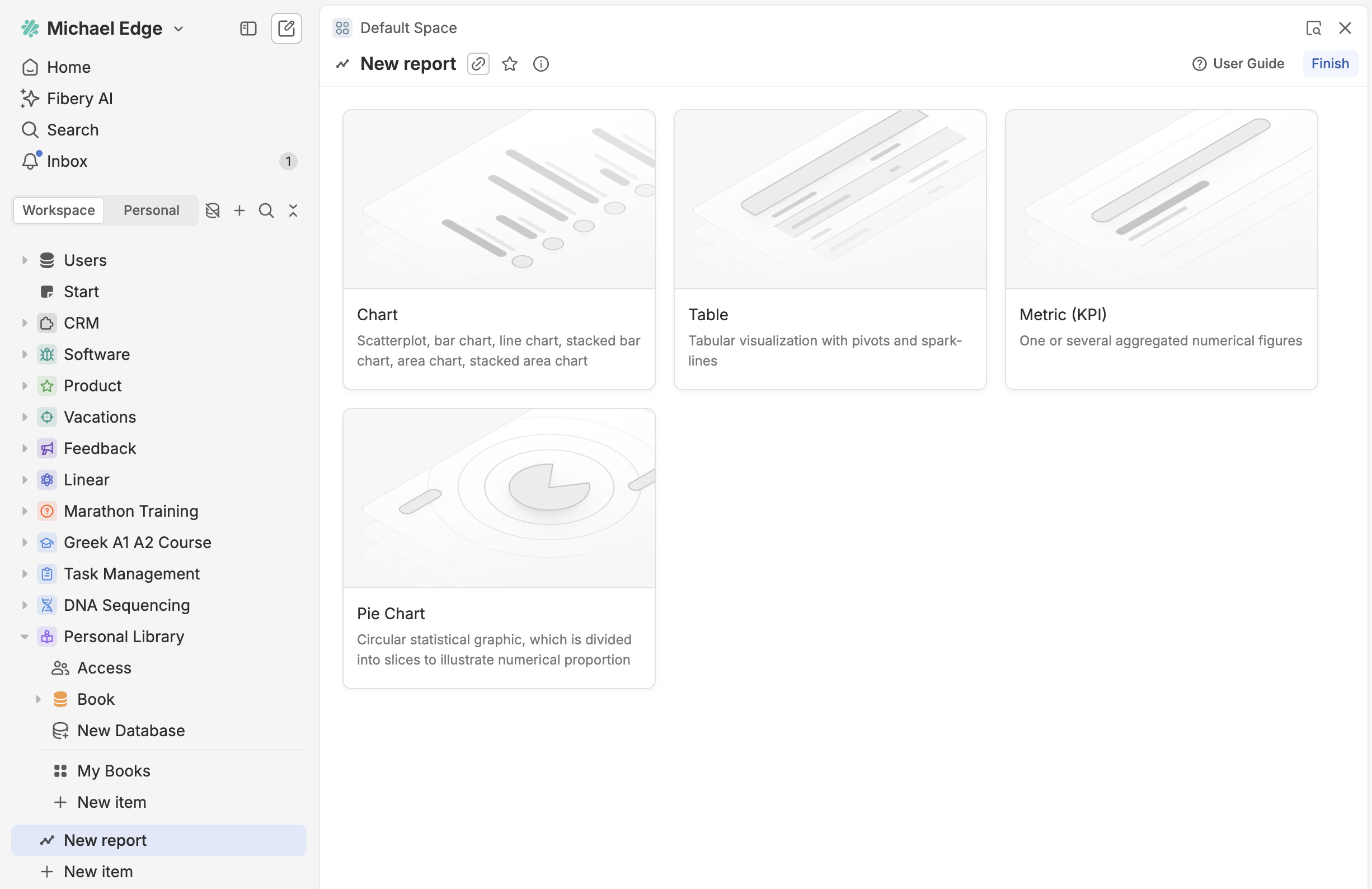
Report creation screen is simplified. We’ve removed all data sources except Fibery, since they were astonishingly unpopular (less than 80 reports were created). We also removed pre-generated samples since they were rarely useful. Now the new report screen is clean (and fast).
 Batch migrate legacy public links
Recently, we introduced a new customizable way of sharing entities to web using access templates.
The old sharer-dependent public links will continue to work unaffected until the end of April 2026. Then we’ll unceremoniously migrate them to the new mechanism using the safest (and least powerful) Viewer template — read more in our transition guide.
If you’d rather migrate the old links in a controllable manner by choosing (or even creating) an access template and previewing the result, navigate to Settings → Public Sharing and click some buttons:

If you have any questions on the migration, don’t hesitate to reach out.
 Improvements
- Whiteboard:
- You can now show avatars on user cards in the Whiteboard, making it easy to recognize teammates or create organizational charts.
- The Icon Field is now available in the Fields menu, so you can easily show your entities with their emojis on the Whiteboard.
- Public sharing:
- Review all entities shared to the web using a particular access template on its configuration page.
- If you try to update or delete an access template that is being used for sharing entities to the web, we’ll give you a heads-up.
- Feed View: quick search added to Feed View. It searches in all visible fields and in the first 2000 characters of rich text field
 Fixed Bugs
- Mobile:
- Additional ‘close’ button is shown on Invite Users screen
- It’s impossible to mention entity in rich-text because search popup is cut
- Whiteboard:
- Text objects on a whiteboard are trimming the white spaces when you double click them.
- Fit to screen incorrectly calculates margins
- Firefox: when inputting text, it shifts to the second line
- Export PNG in Whiteboard is a merely a screenshot and cuts off diagram outside of the browser window.
- Form View: issue with basic text field paragraphs
- Documents / Rich Text:
- Image fails to be uploaded to the rich-text/document in the specific cases
- Context menu for the text table in inline comment has incorrect z-index
- Intercom Integration: Missing text in messages with images
- Permissions: Automatic author access doesn’t get enabled if it was enabled in Space Template when you import it to some workspace
- Reports:
- Context Reports show “Report owner is inactive” error when report creator lacks access to related databases
- Reports: Aggregations reset when Duplicating report or tab
- Import: Files missing on importing data from integration source
- Table View: cell focus issue when sorting is applied
- Board View: layout issue with ‘new row’ input if there is no columns on view
- Hierarchical List: Hide “No parent”/“No enum value” group if parent relation/drop-down is required and the group is always empty