Hi guys,
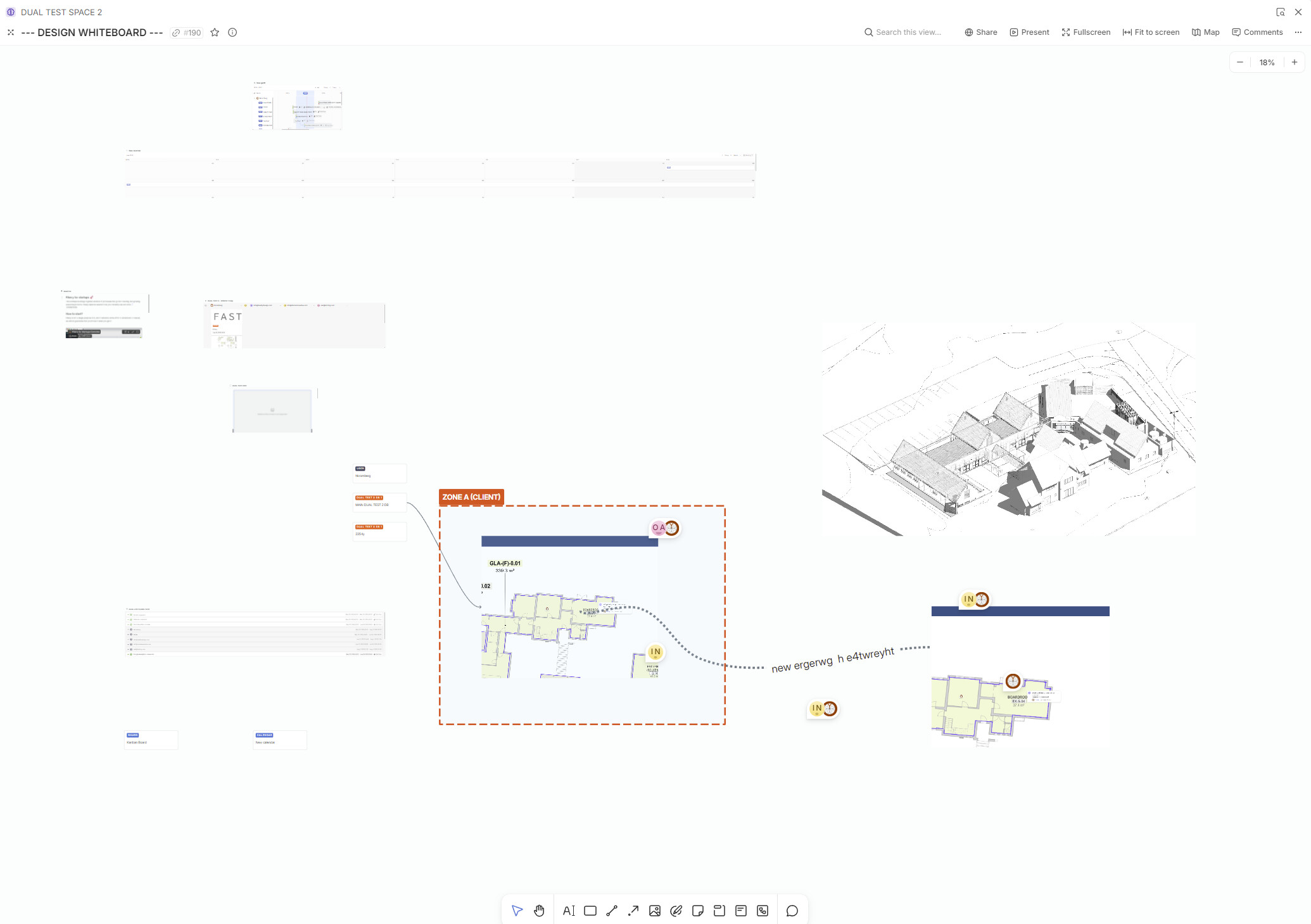
Limiting some users to only a certain ‘block’ or zone (delineated by a frame) on the whiteboard which we can control the access to. I.e. the whole whiteboard is accessible to the creator (admin) or internal team but only certain parts of the board are accessible according to permissions, such as to clients or external consultants, would be great.
In my non-programmer (naïve) view, this might be doable because it would be possible to map and define such areas relative to the basepoint coordinate (0,0)?
This would be great because we would be able to do our planning and mapping and sketching and thinking and conceptualising and diagramming on the whole infinite canvas and but also share what is relevant to a client in the same space. Their whiteboard will be limited to that defined zone only and they won’t see the rest.
Hi team,
I think this is a very useful idea.
I have a big whiteboard where I can visualize all my projects and relations. The people I work with saw this whiteboard and said that this is the best think, because they can see visually all the projects and relations, but I can’t share with them because I have all my projects there.
It would be useful to share only a section, or sync other shared whiteboards with sections.
Hi!
At the moment we don’t focus on whiteboard area, rather on the content visualized thereIf a whiteboard displays or links to entities (like Tasks, Features, etc.), a user’s ability to view, comment, or edit those entities on the whiteboard depends on their permissions for those specific entities or the Space they belong to.
So in fact it already works that way - some entities on the same whiteboard are hidden if users don’t have access to them 
To be honest, it’s unlikely that there will be “access” are in the whiteboard as a permissions feature