I would do this a little differently. I actually just made a mock up of this some days ago: Create workspace — Fibery — Fibery
It’s generally better practice to use entities and formulas over rules. This is because it gives more information about the data, when things happened, and faster reports.
So in this case, you would have three databases: Product, Product In, and Product Out. It then calculated the amount of product you have based on summing product in - product out.
And around getting the field to to change based on the stock, there are two options (one is more complex than the other, but I prefer it as it avoids automations)
Prerequisite:
What you might have realized is that you can’t use formulas in filters. So you need to set up the formula in the database itself. Something along the lines of: If(Amount > Limit, “In Stock”, If(Amount <= Limit and Amount != 0, “Limited Supply”, If(Amount >= 0, “Out of Stock”)))
If a simple text field is enough, you can stop here. But if you want to use this for grouping, you’ll need to transform this into a database + relation (not single select):
Then then you have two options, one using rules, the other using auto-linking.
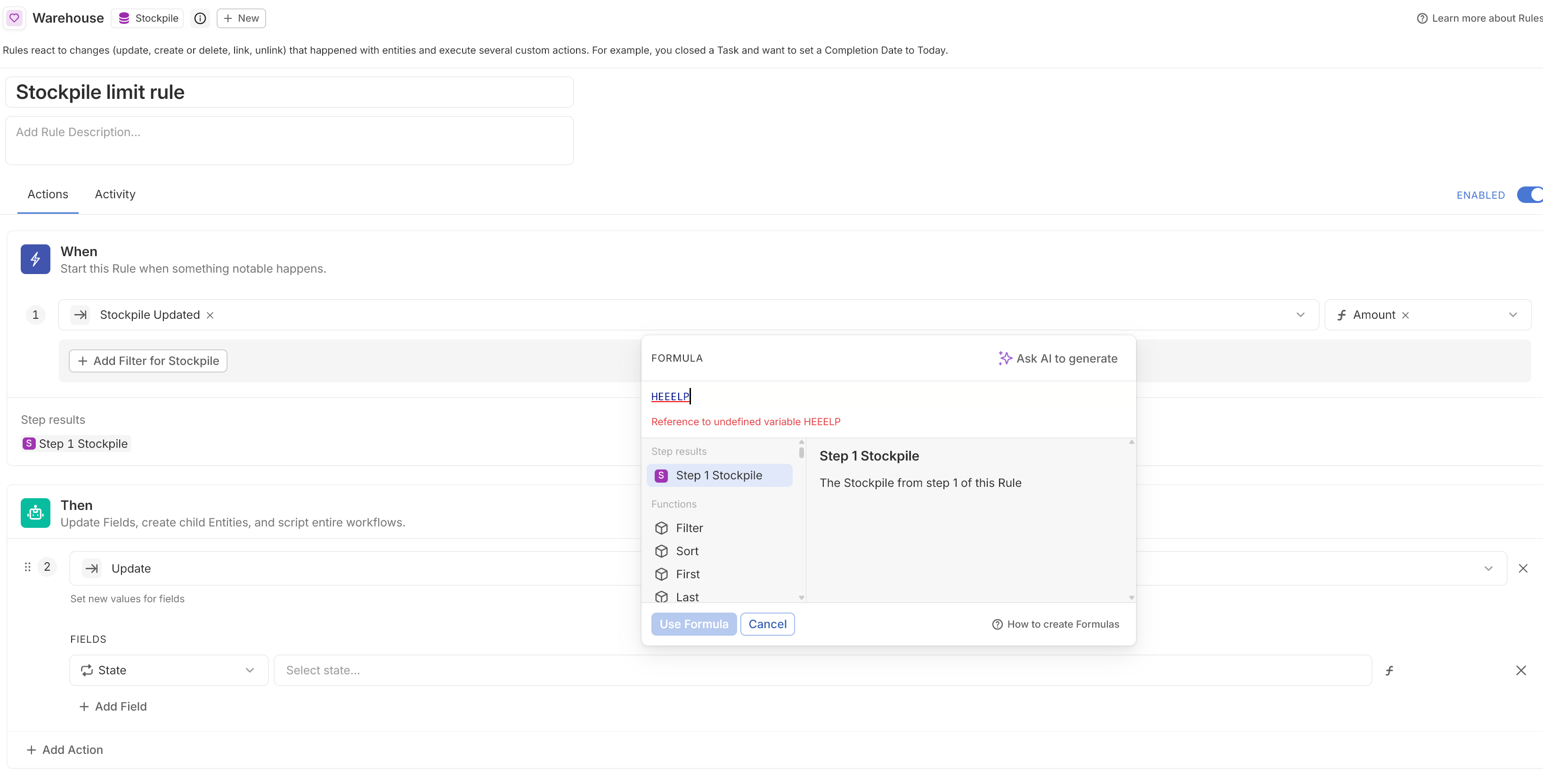
Rules: Trigger on entity update on the new formula field explained above. When triggered, it should update the status by formula (for this to work, you must use a database and a one-to-many relation, and not a single select): Statuses.Filter(Name = [Step 1 Product].[Stock Status]).Sort().First()
This will query the Status database, and return the value that has the name = to the text in the formula field you made above.
Formula and Auto-linking: (the reason for the auto-linking is because we can not query a full database in formulas like you can in automations, so we need to have the data available as reference in the entity itself. We’re essentially relating all status’s to all products, so that we can use them in the formula). Make a new database called “Status” and add a formula field called “true” to both that and the product database. Add a many to many relation between both that is auto-linked based on the fields “true”. Now all will be linked to each other. Now you can add a formula that is the same as the rule: Statuses.Filter(Name = [Step 1 Product].[Stock Status]).Sort().First(). This saves automation usage, and is then not editable by the user.
I know this is a lot. Lmk if this makes sense. I tried explain a bit of the why as well, but I hope it’s not too overwhelming!!
 I am unable to change state by formula even with the most simple examples, just don’t know how to target it at all.