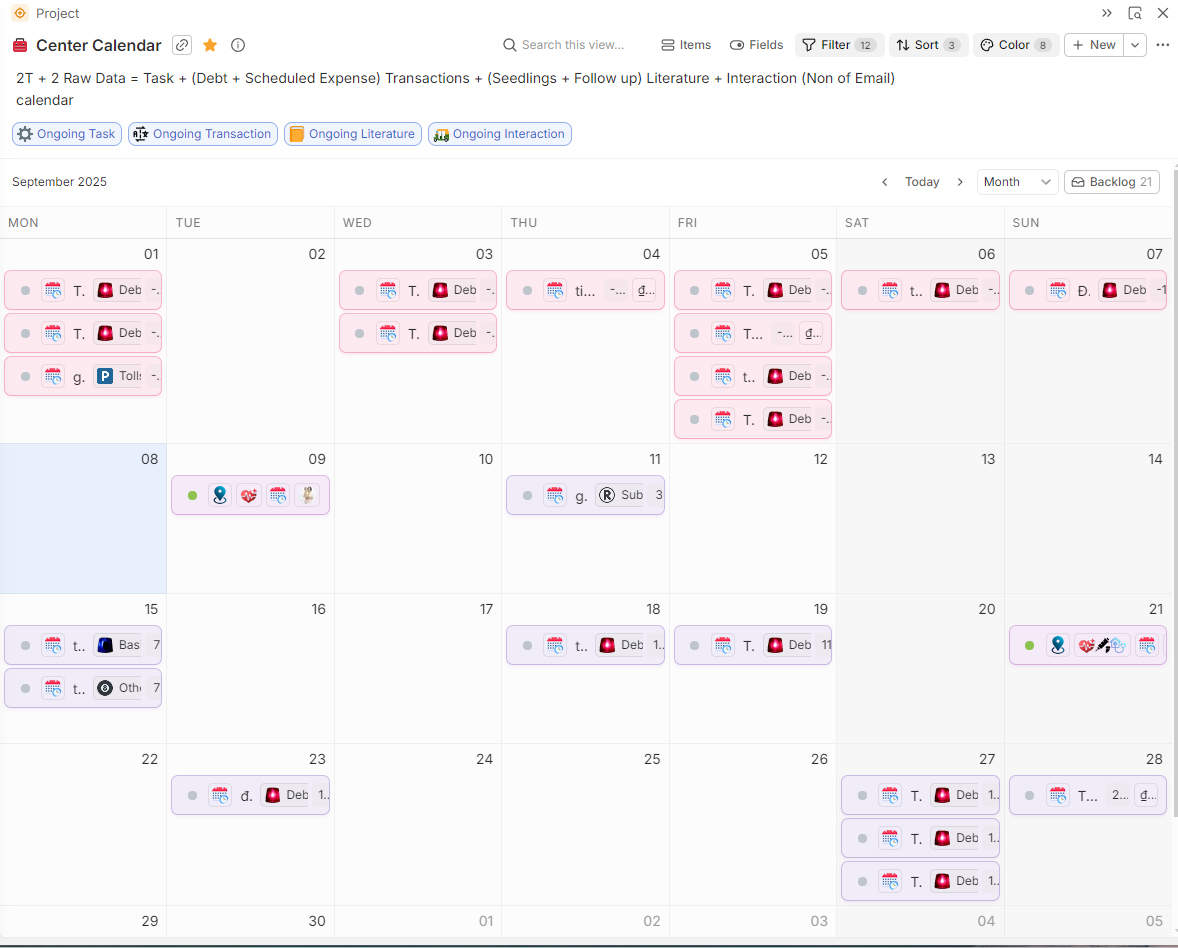
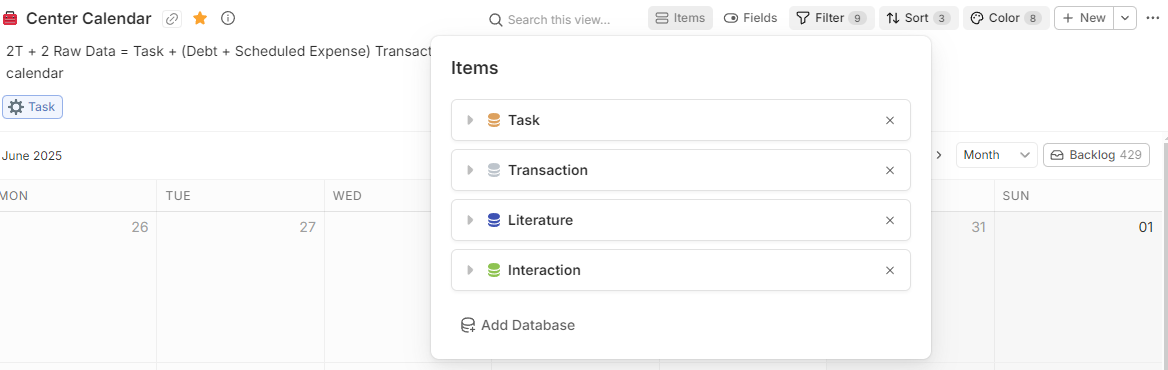
I have multiple databases (Task, Transaction, Literature, Interaction) displayed together in this calendar view.
Is it possible to filter the entities shown based on which database they belong to?
For instance, how can I view only the items from the Task database and hide the others?
Hi Minh,
If this is still relevant, here’s a short video how I could make this work:
Is this what you wanted?
Smart! What if you had two filters. One for “Is empty” which is always on, and then an “Or” and another with “Is not empty”. Then put the pin on the “Is not empty”. When its off, it’ll show the ones which are empty (none) and when its on, it’ll show the ones which are not empty (all from the database). Then its a bit more user friendly, like you explained in the video. What do you think?
Hehe. Nice one. Works & looks perfect now.
The final version:
FYI you might want to use a field that is almost certain to be not empty (e.g. Creation Date) rather than Name, which might actually be empty in certain cases.