IIUC this can currently only be done by using a pair of Rules (Role Linked and Role Unlinked).
Which is better than nothing, but “Rule proliferation” is a real issue.
Formulas work the same as lookups for a to-one field, but when it’s a to-many, there’s no way to return a related collection via formula like you would with lookup. This is unfortunate as it then needs lots and lots of useless lookups to get nested data as opposed to a function with many dots.
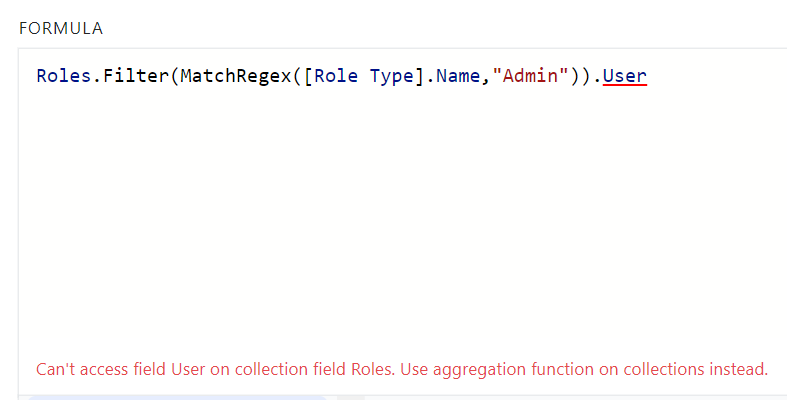
More specifically I wanted to make a rule that gets the related users from the project’s roles. But it doesn’t work. Instead I need to make a new lookup and use that one.
I thought maybe I could do a workaround where I query all the users then filter based on the first step project’s roles. But I get the error “Can’t compare Collection of Project Roles and Collection of Project Roles”. There’s no “contains” in formula filters.